
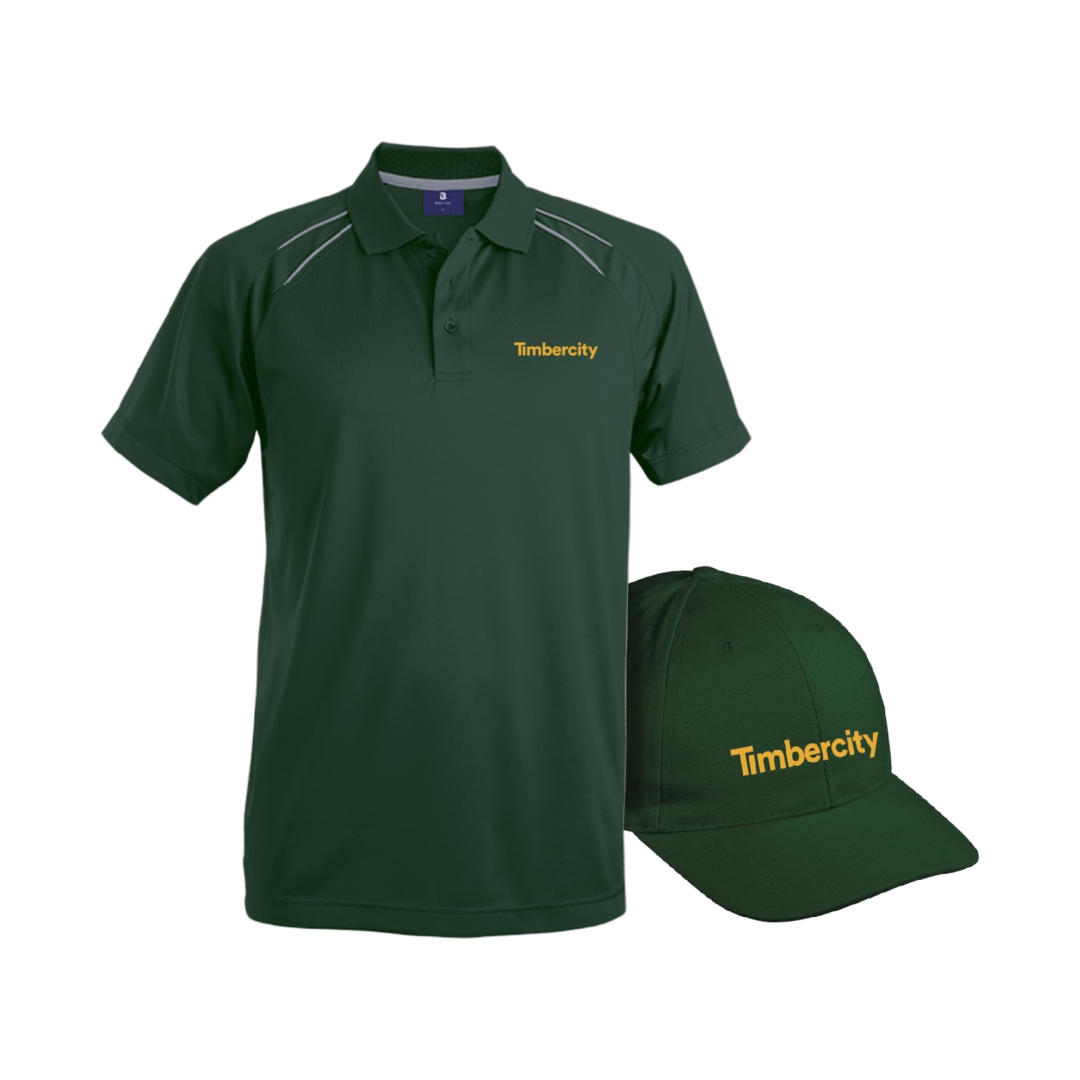

Timbercity Webshop

Welcome to the exclusive promotional showroom

1. Navigation

By navigating to either the home or catalogue page you can easily find filters to improve your product search.

2. Categories

On the catalogue page, you can view and select any of the product categories. The home page will also feature the product categories.

3. Product Order

Once you have found a product you like, you can add it to your order,  from there you will be able to view your order, continue shopping or remove the product.

4. Ordering of Products

Once your order is complete. You can navigate to “Your Order” in the menu. On the request an order page you need to complete the product request form and the request will be sent to us.

The process, simple.

How to order.

How to use this system

Log onto ordering website with your login details 

Browse through items and add items to your order

Orderer to then capture order with Thunder Marketing 

Thunder Marketing to then share orderers invoice with the orderer and the approver for final approval

From there the Thunder Marketing team will keep you updated on the progress of your order

To track and trace your order or for any other order/ webshop related queries, please contact info@thundermarketing.co.za